

 SEARCH
 diglloydTools™
Designed for the most demanding needs of photographers and videographers.

Connect and charge all of your devices through a single Thunderbolt or USB-C port.

|

|

|

|

|
Disable Safari’s 'Open Safe Files by Default'

With the advent of javascript-drive trojan horses like MacDefender (a classic use of a anti-name to confuse and mislead), it’s best not to download anything from any site you don’t trust.
Worse, opening downloaded files automatically is a Very Bad Idea. So make sure the checkbox is off, and if Apple removed this option it would be a good idea.
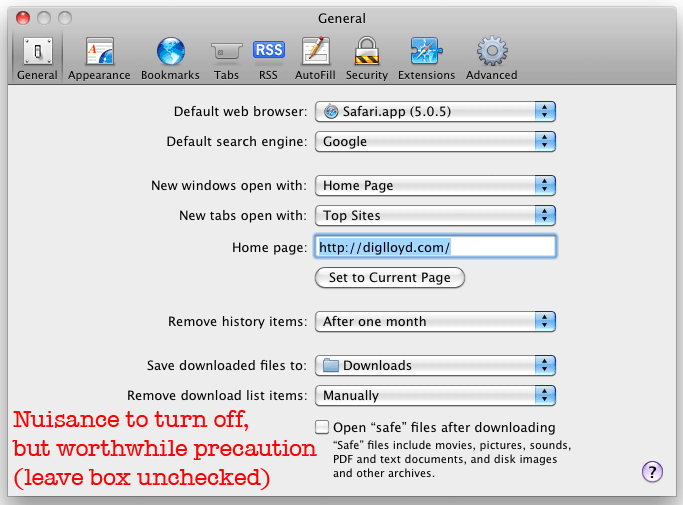
Ensure that Safari’s is off (not checked)
